PL

Your brand looks different in every file.

Training for teams that makes all your materials look like one brand. We work on your own files, in Canva, Figma or Adobe, with AI wherever it saves time.

Format
In-house training for your team
Group
Up to 12 people
Location
At your office anywhere in Poland, or online
Until 31 December
−10% on dates in Q1 2027

Sound familiar?

This is how work on materials usually looks in a company. Flip the switch to see what changes after the training.

You leave with ready-to-use tools.

Every block of the training ends with something your team uses from the very next day.

Four modules, one system.

Each module adds something to your brand’s visual system. Click a module to see what you gain.

Visual foundationsMaterials that build trust at first glance.

What you gain

  • Clients see a professional company at first glance
  • You know why a piece isn’t working, and you can fix it without a designer
  • Your brand rules are written down, on two pages

Programme

  1. Colour and emotion. How colours affect client trust and decisions. Choosing a palette that fits the brand.
  2. Typography. Choosing and pairing typefaces. Legibility on screen and in print.
  3. White space and hierarchy. What people should see in the first second, and what can wait.
  4. Layouts and grids. Proven layouts that keep materials clean and modern.
  5. Brand consistency. The most common mistakes and simple rules to avoid them.

Exercise

We take 5–10 of your materials and fix them using the rules from the module. At the end we compare the before and after versions.

Time in package B
approx. 3 hours
What stays with you
An audit of your materials and a mini brand book.
Who on the team
Marketing, sales and anyone who prepares offers or presentations.
What to prepare
10–20 current materials (posts, an offer, a presentation) and your logo as a vector file.
A system in your toolsEveryone on the team creates materials in the same style.

What you gain

  • Every post and presentation looks like your brand, whoever made it
  • A new post or presentation takes minutes
  • Nobody hunts for the logo, the colours or the latest file version again

Programme

  1. Brand Kit. Colours, fonts, logo and photo style saved as a standard for the whole team.
  2. Brand templates. We design templates with locked elements, so they’re hard to break.
  3. Reworking stock templates. How to turn a ready-made template into something that looks like your brand.
  4. Photo style. How to choose and edit photos so they fit the brand.
  5. Tidy files. A shared library, file naming and up-to-date versions.

Exercise

The team creates a series of posts, a thumbnail and an offer page from shared templates. We correct them live, together.

Time in package B
approx. 2.5 hours
What stays with you
A Brand Kit and 8–12 ready-made templates.
Who on the team
Everyone who makes materials, even occasionally.
What to prepare
A laptop and access to Canva, Figma or Adobe, ideally on a team plan. I set up the Brand Kit before the training.
AI in designAI graphics in your brand’s style, without legal risk.

What you gain

  • Product photos and backgrounds without a photo shoot or stock images
  • AI graphics look like your brand
  • You know what you can and can’t use commercially

Programme

  1. Tool overview. Which AI image tools are good for what, and what they cost.
  2. Prompts. How to write prompts that give predictable, on-brand results.
  3. Moodboards. Testing several visual directions quickly before you decide.
  4. Backgrounds, textures and patterns. Your own graphic assets instead of stock images.
  5. Product photos. Photorealistic shots in a planned scene, without a photo shoot.
  6. Quality and the law. How to assess and fix a graphic, prepare it for print, and what you can use commercially.

Exercise

Everyone creates a set of graphics for your brand: a background, a texture and a product photo. The prompts that worked go into a shared library.

Time in package B
approx. 3 hours
What stays with you
A prompt library, AI usage rules and a first set of graphics.
Who on the team
Marketing, e-commerce and the people who run social media.
What to prepare
Photos of 2–3 products or services and an account in an AI tool. I’ll recommend which one before the training.
Conversion and automationMaterials that lead clients to a decision.

What you gain

  • An offer clients read to the end instead of scrolling to the price
  • A whole campaign in 5 formats from one design, in fifteen minutes
  • Every piece asks for one specific action: a click, a sign-up or a purchase

Programme

  1. A layout that leads to a decision. The order of content, buttons and the elements that build trust.
  2. Copy and image together. Short, specific messages that strengthen the visual.
  3. A PDF offer step by step. From the headline to one clear action at the end.
  4. One design, many formats. Automatic resizing, copying styles and bulk editing.
  5. Simple video. Short animations and AI voice-over for social media, if your team needs it.

Exercise

From one design the team builds a campaign in 5 formats: post, story, banner, flyer and thumbnail. The goal is fifteen minutes instead of several hours.

Time in package B
approx. 2.5 hours
What stays with you
A PDF offer and a campaign in 5 formats.
Who on the team
Marketing, sales and the people responsible for offers.
What to prepare
Your current offer or sales presentation, and one campaign you want to make.

What every training block looks like

20%A short intro to the rules, with examples
60%Hands-on work on your files. Everyone does it, I walk around and correct
20%Group review: before and after

Sample schedule for package B

We adjust the hours to your working day. Package A covers one of these days; in package C the programme is spread over four sessions.

Day 1. Look and system

  1. Kick-off: team goals and a review of your materials
  2. Module 01. Visual foundations
  3. Lunch break
  4. Module 02. A system in your tools
  5. Wrap-up and a task for day two

Day 2. Production and conversion

  1. Review of the day-one tasks
  2. Module 03. AI in design
  3. Lunch break
  4. Module 04. Conversion and automation
  5. Rollout plan for your company and questions

One price for the whole team.

You don’t pay per person. Travel and accommodation anywhere in Poland are included.

Package A

Sprint

One day, 7 hours. One topic of your choice: “A consistent brand in your tools” or “AI in brand work”.

PLN 7,900 net

Online: PLN 6,900 net

  • Modules 01 and 02, or module 03 with part of module 02
  • A short audit of your materials before the training
  • Materials and templates to keep
  • 14 days of questions by email
Ask about dates
Recommended

Package B

Brand in practice

Two days, 7 hours each. Day one: look and system. Day two: production and conversion.

PLN 14,400 net

Online: PLN 12,900 net · approx. PLN 1,200 per person for 12 people

  • All four modules
  • A materials audit and a 30-minute call before we start
  • Brand Kit set up before the training, so you don’t start from scratch
  • Online Q&A session (60 minutes) 3–4 weeks after the training
  • 30 days of email support
Book a date

Package C

Brand 360

Four 4-hour sessions, once a week. The studio designs the system, your team learns to use and develop it.

from PLN 27,900 net

Quoted after a call, depending on project scope

  • All four modules spread over a month
  • A mini brand book and template set designed by the studio
  • Assignments between sessions, with feedback
  • Two 1:1 consultations, e.g. for marketing and management
  • 60 days of support
Let’s discuss the scope
−10%

when you book by 31 December

Applies to dates in January, February and March 2027.

+2 h

free if the templates go unused

A month after the training we check whether the team uses them. If not, we add 2 extra hours online.

30%

deposit secures your date

You pay the rest after the training, on a VAT invoice. I take on two company trainings a month.

ExtrasNet prices, plus 23% VAT

Each person above 12
PLN 450
Recording for those who couldn’t attend
PLN 900
Implementation day: the studio designs, your team watches
PLN 4,500

What will your team gain?

If any of these sound like you, this training is for you.

Probably not for you if

  • You’re looking for a Photoshop course from scratch. We teach working with a brand and assume you know the software.
  • You want someone to do it all for you. Then have a look at our studio services.
  • You don’t have a name or logo yet. Start with your identity; the training will help right after.
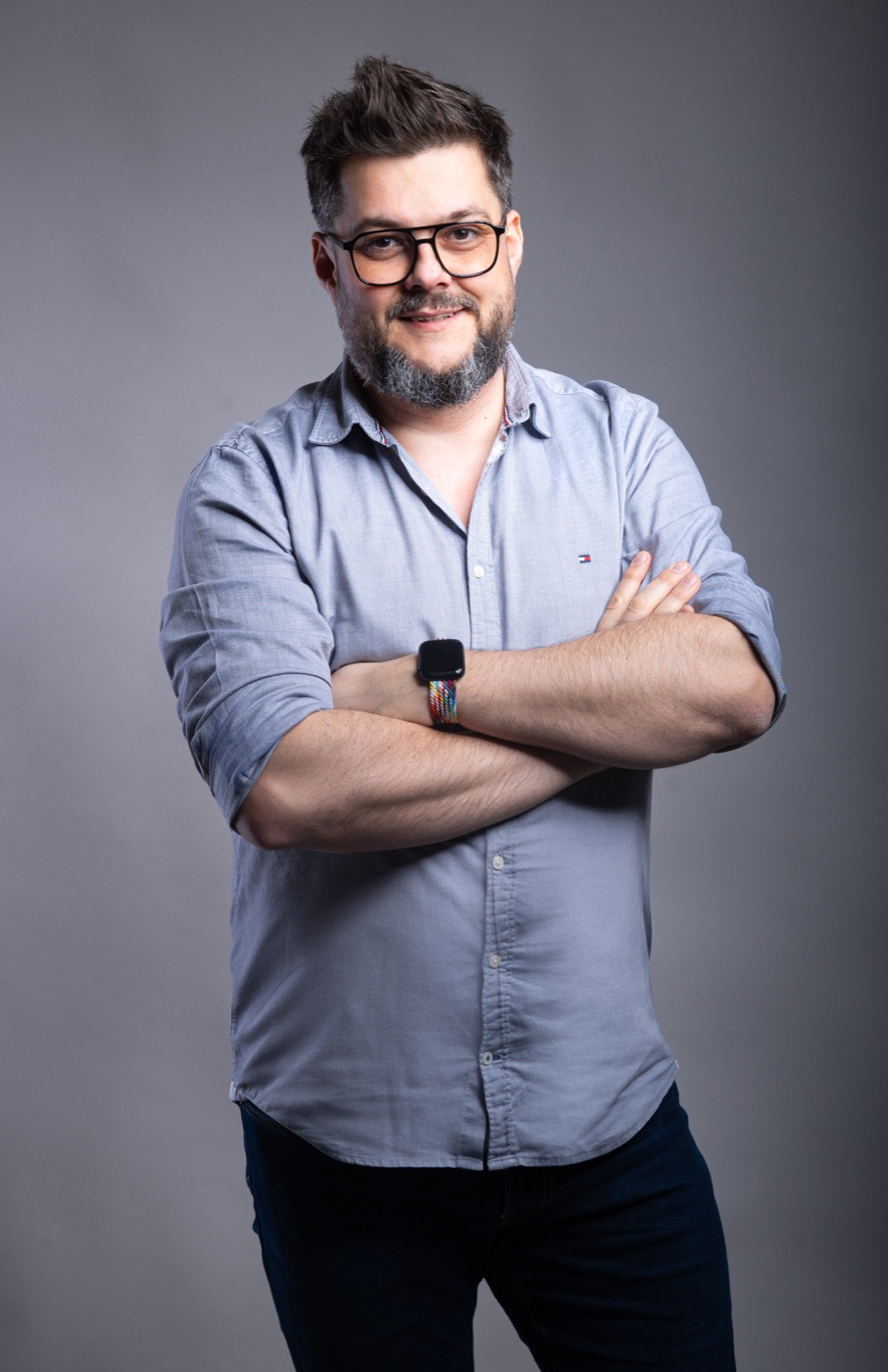
Maciej Mleczko

Maciej Mleczko

Creative director and designer. I teach what I do for clients every day.

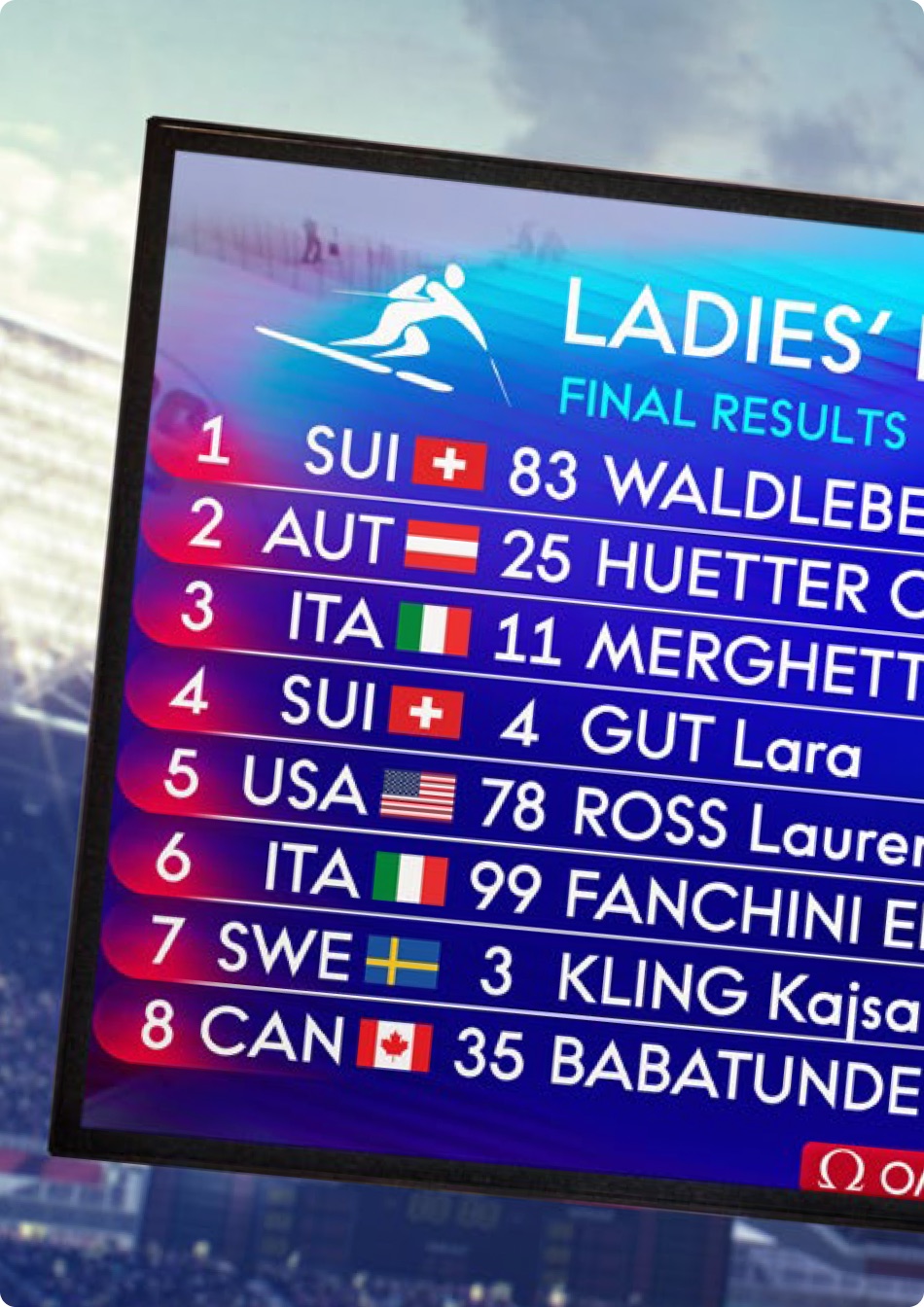
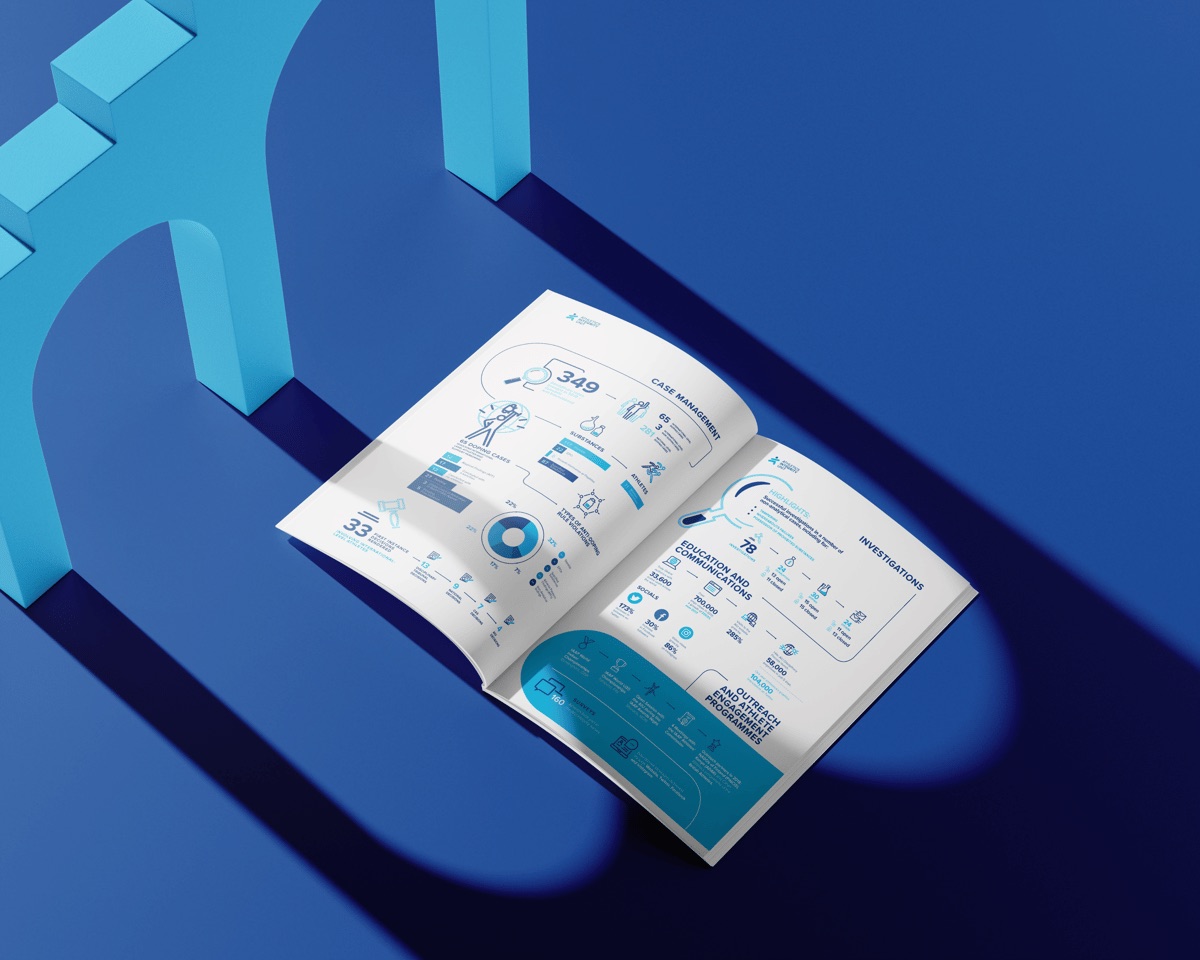
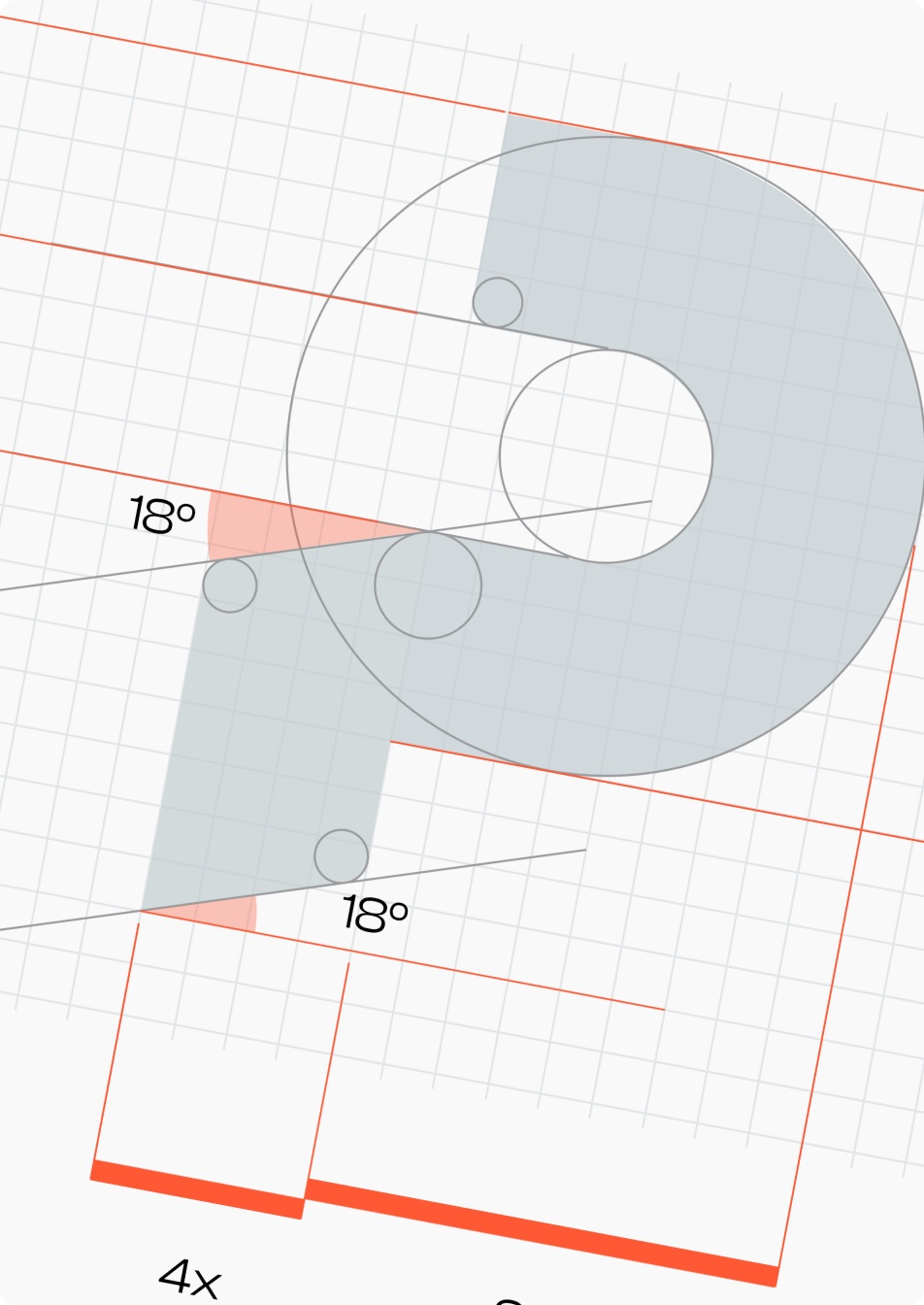
I designed the visual system for the Olympic Games, materials for the Athletics Integrity Unit and the Penceo rebrand. I also teach design and AI in graphic design. In the training I show files and processes from real projects.

From a call to finished files.

  1. Call

    20 minutes online. We agree who takes part, what should be created and which package makes sense.

  2. Audit

    You send up to 20 materials. Based on them, I tailor the programme to your team.

  3. Training

    At your office or online. You work on your own files and leave with finished results.

  4. Support

    I answer questions by email, and in packages B and C we meet once more.

Before you ask.

Do we need design skills?

No. It’s enough that someone on the team already makes materials, even occasionally. I explain the rules using your own examples, without theory for theory’s sake.

Which tools do we work in?

The ones you use: Canva, Figma or Adobe (Express, Illustrator, InDesign). We agree on this during the call. If you don’t use any yet, I usually recommend Canva, because teams pick it up fastest.

Do we need paid accounts?

For a Brand Kit and team templates, a paid plan helps (e.g. Canva for Teams or Figma Professional). For the AI part, free or low-cost versions are enough. Before the training you get a list of what you need and why.

Where does the training take place?

At your office, in any city in Poland, with travel and accommodation included. We can also meet online, and then packages A and B cost less. You’ll need a room with a projector and a laptop for each person.

Can we use AI graphics commercially?

It depends on the tool and on how the graphic was made. We cover which tools give a commercial licence, what to avoid (e.g. other people’s trademarks and likenesses) and how to write the rules down so the whole team works the same way. These are practical team rules, not legal advice.

How many people can take part?

Up to 12 people are included in the package price. We split a larger group or add more people (PLN 450 net per person). For a big team, two smaller groups work better.

How does payment work?

By VAT invoice. A 30% deposit secures the date, and you pay the rest after the training. The 10% discount applies to bookings made by 31 December 2026 for dates in Q1 2027.

What if we don’t have a logo yet?

Then it needs designing first, because the training builds on an existing brand. I can do that as part of our studio services, and schedule the training right after.

Let’s talk about your team.

20 minutes online is enough to work out which package makes sense.